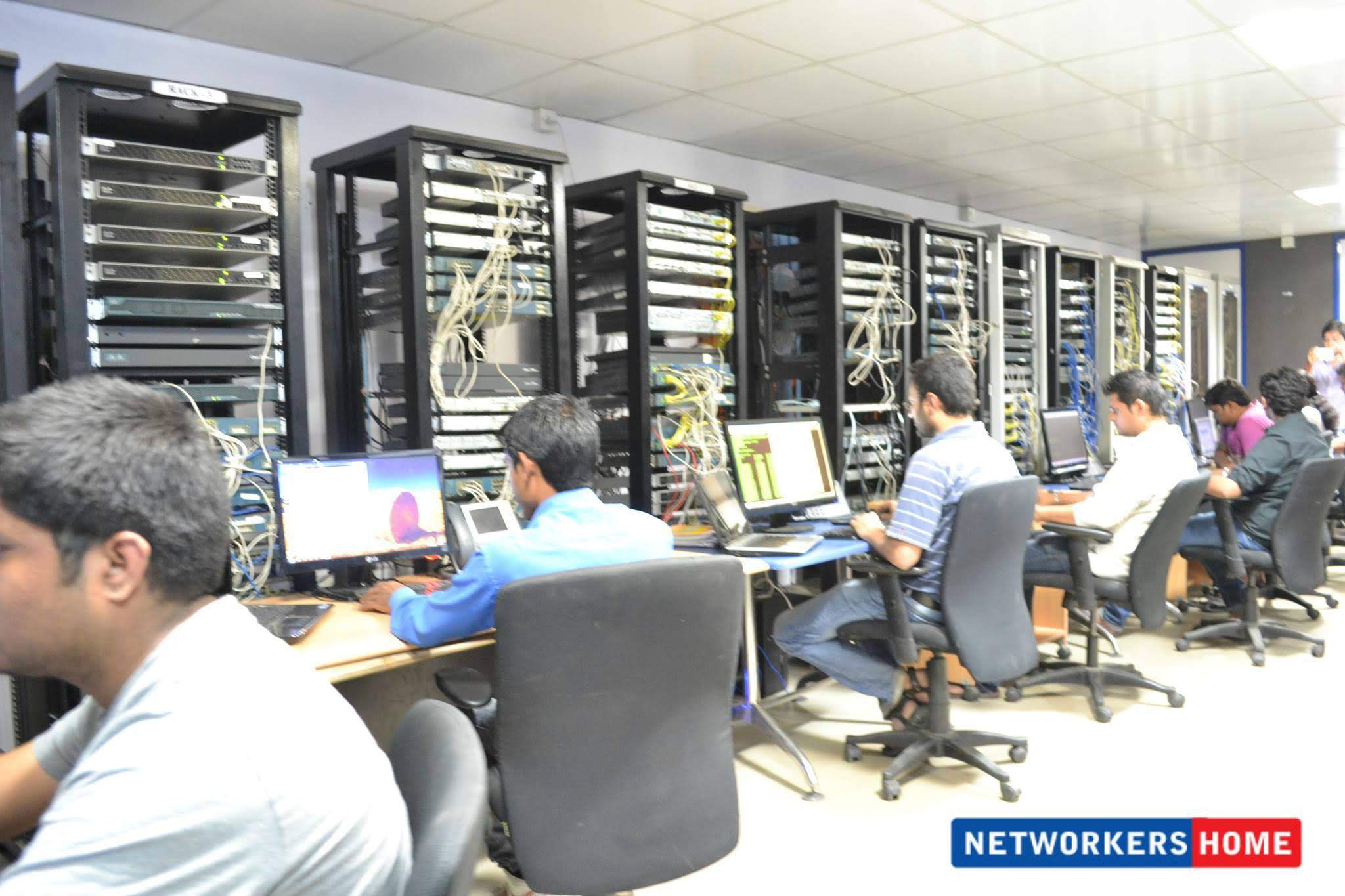
A real Networkers Home class — Bangalore HSR Sector 6
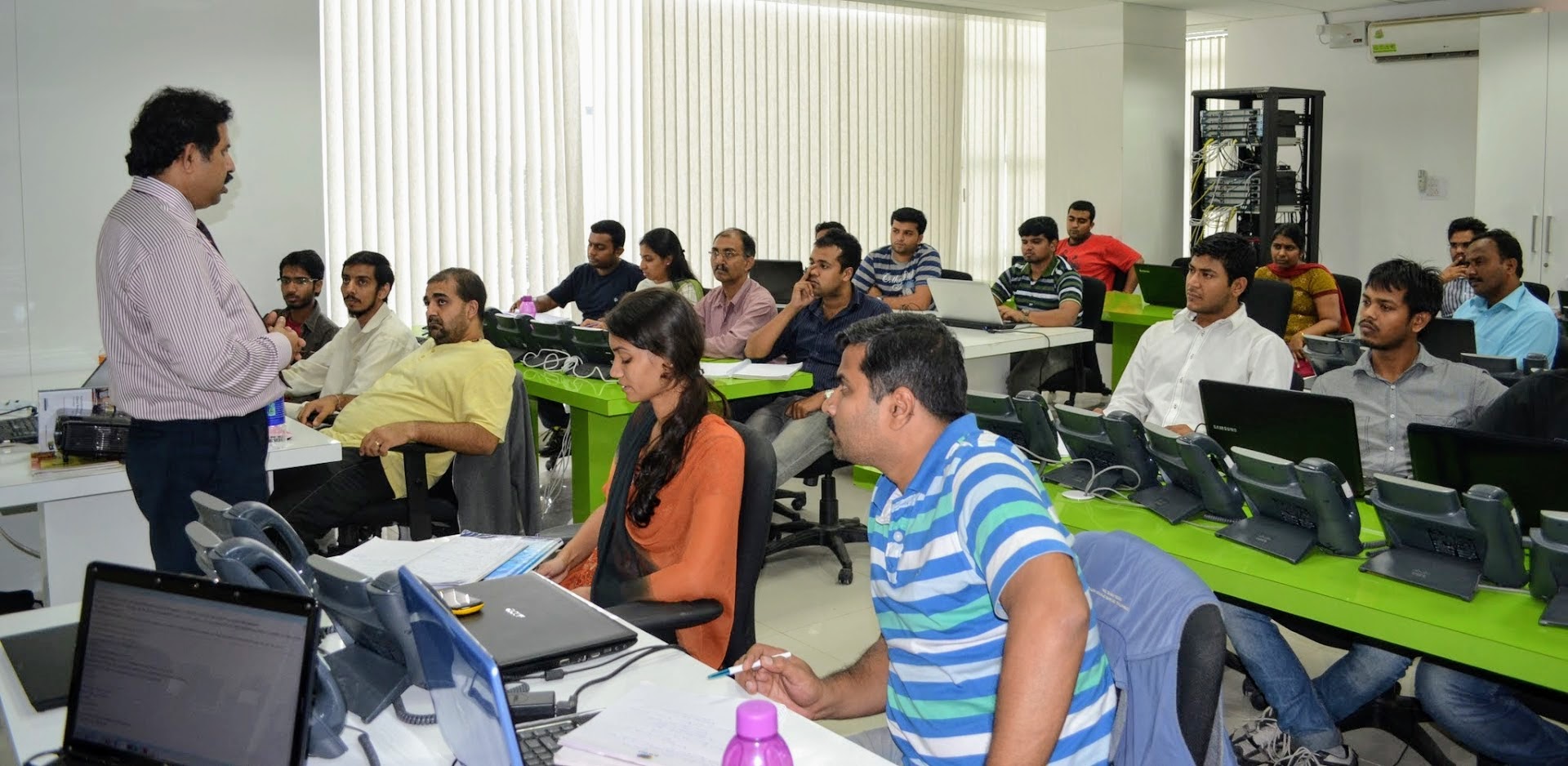
Vikas Swami teaching live. ~15 students, every one with a workstation pushing configs to real hardware. Whiteboard for topology, racks visible behind the trainer. No stock photos.
Teaching style
First 20 minutes — concept on the whiteboard. Vikas (or a senior trainer) draws the topology, walks through the protocol behavior, and answers questions before any keyboard touches. Most institutes skip the whiteboard step — students end up typing commands they don't fully understand. We refuse that shortcut.
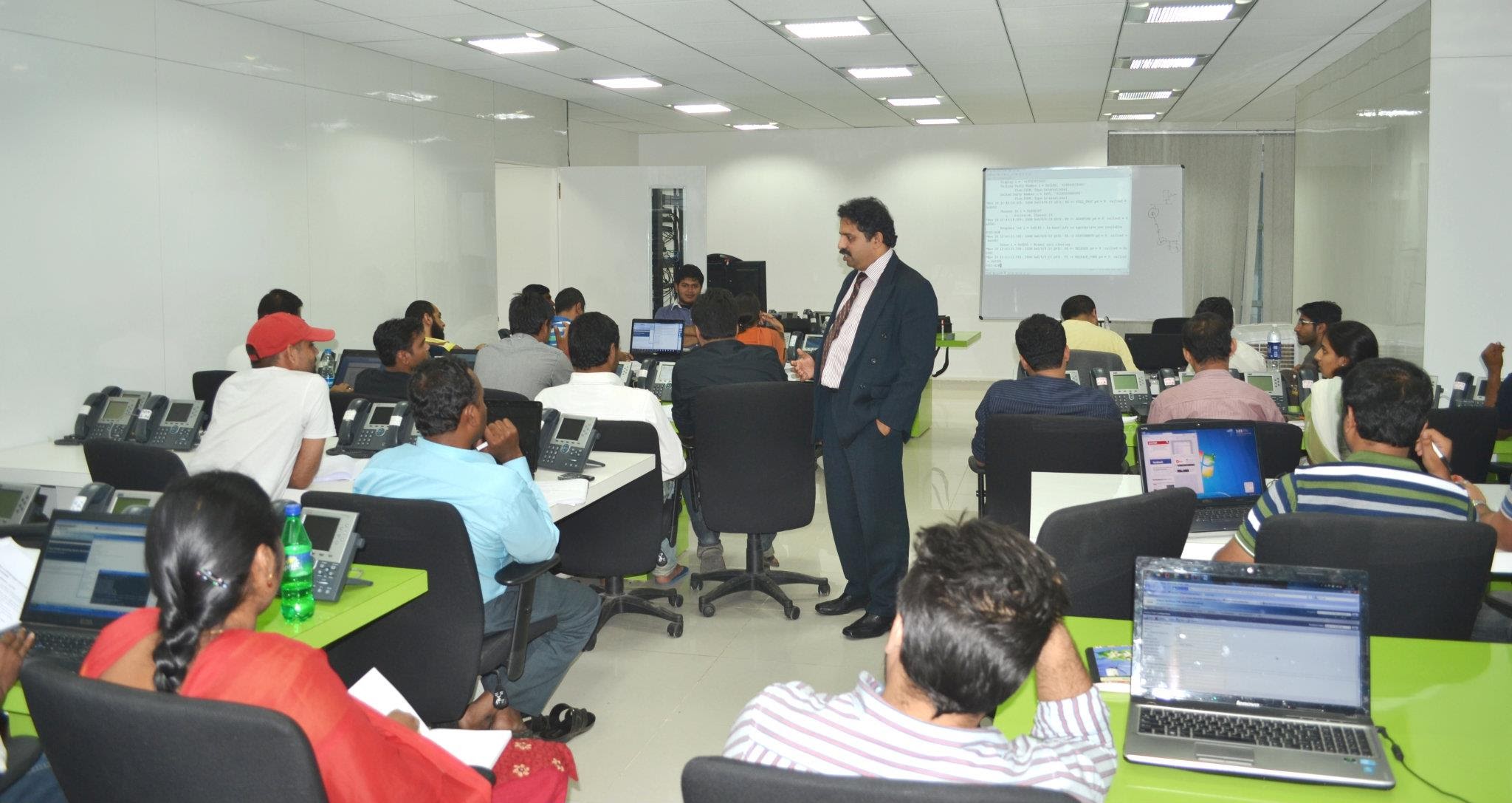
Next 60 minutes — hands-on at the workstation. Each student gets a console-cable-attached rack assignment. The instructor walks the room, looking at every student's terminal output. When someone's config doesn't behave as expected, that becomes the lesson — real troubleshooting, not pre-baked exercises.
Last 20 minutes — group debrief. The trainer pulls up the most interesting "broken" topology of the session on the projector and the room debugs it together. Students retain protocol behavior 5x better when they've seen it fail in front of them than when they only saw it work.
After class — 24×7 lab access. The racks don't get reset between batches. Whatever you configured at 7 PM is still there at midnight if you want to come back and break it differently. Most students who clear CCNA on the first attempt have logged 30+ hours of after-class lab time in the four weeks before the exam.
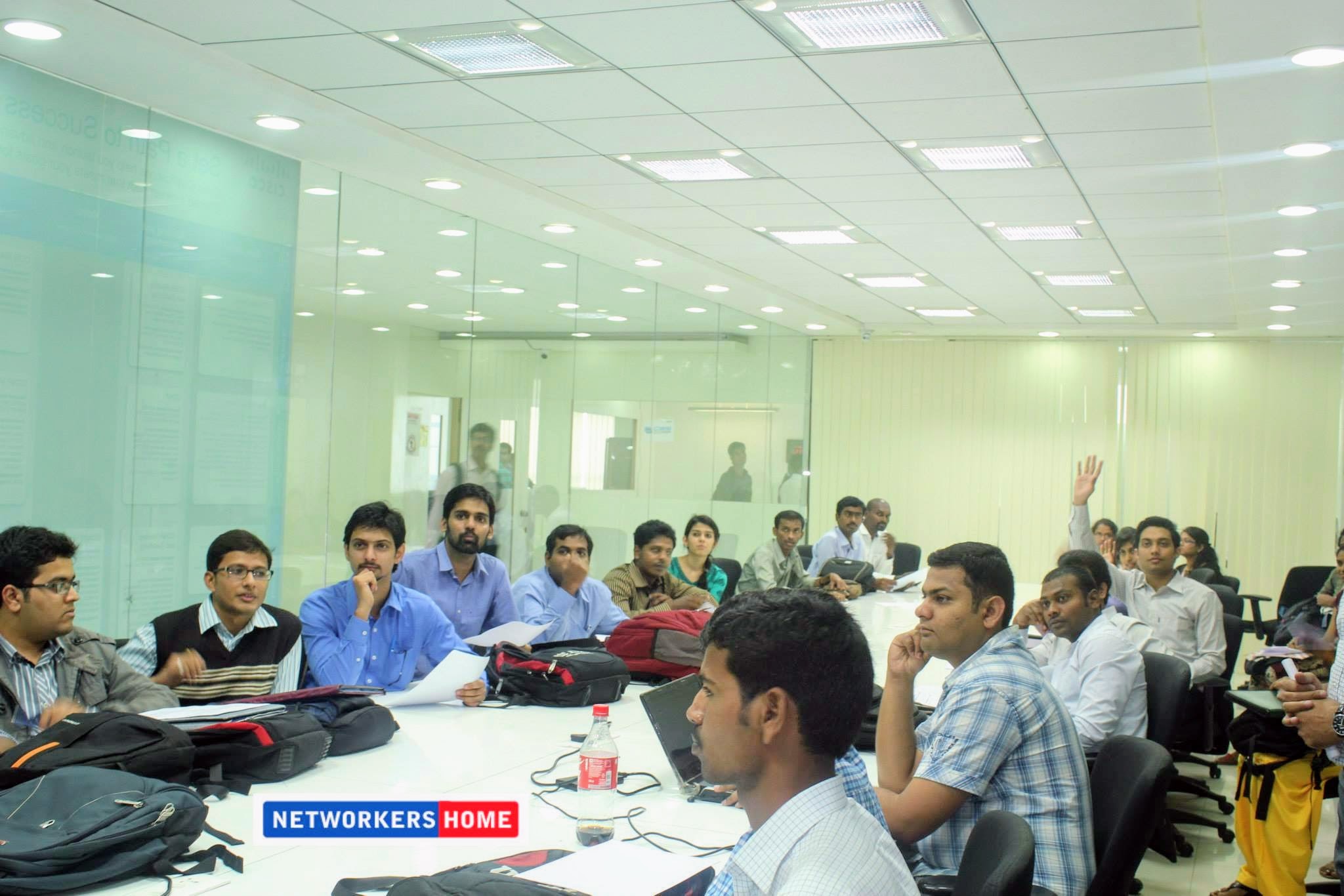
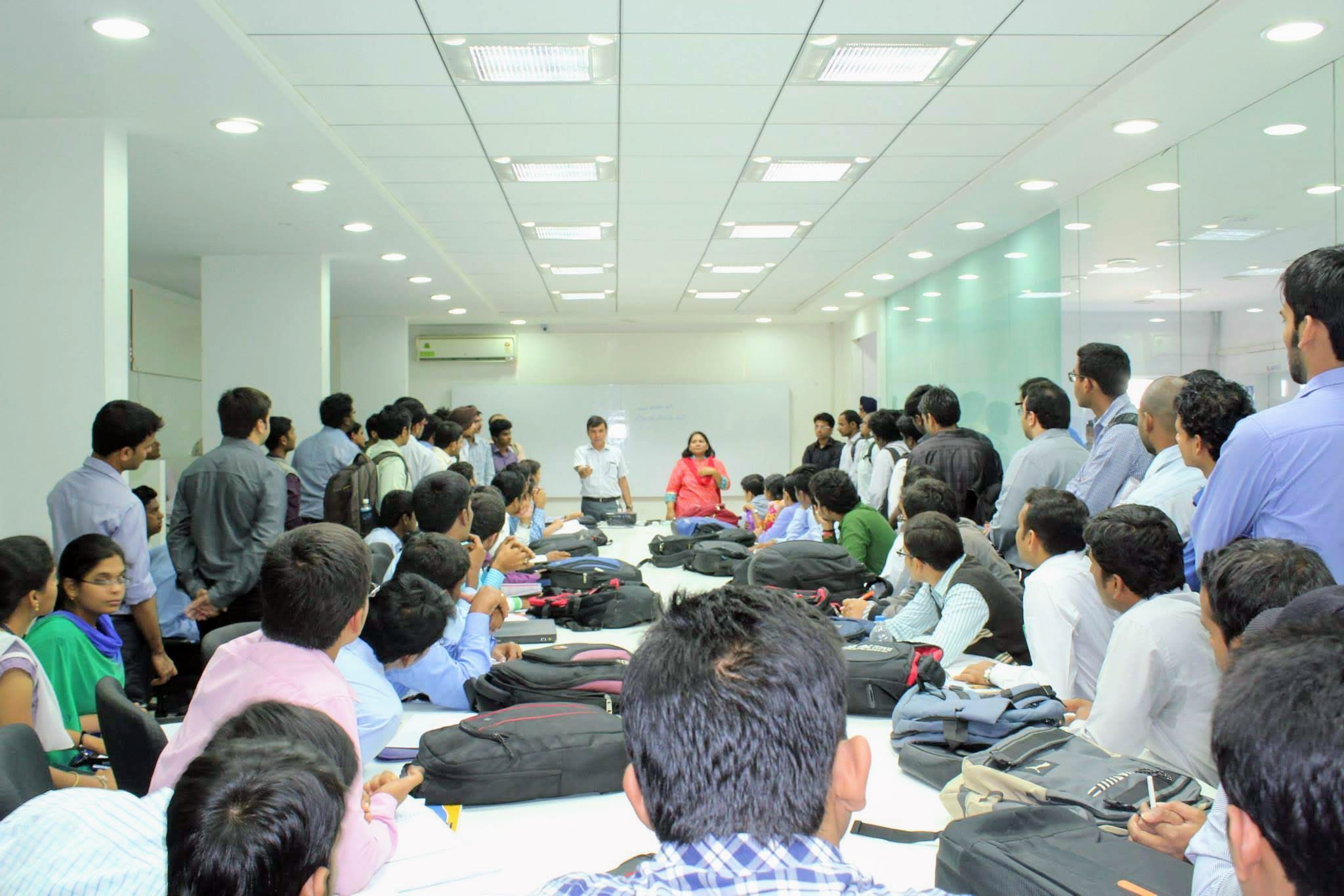
Live class photos
Classroom FAQs
How big are the classes at Networkers Home? +
Standard batch size is 12–18 students for CCNA / CCNP / CCIE / Cybersecurity batches. Each student gets a dedicated workstation that pushes config to real Cisco / Palo Alto / Fortinet hardware. We deliberately keep batches small enough that the trainer can address every student's questions in the same session — no 100-seat auditorium teaching.
Who actually teaches the class? +
Vikas Swami — Dual CCIE #22239 (Routing & Switching plus Security), 20+ years training experience, founder of Networkers Home — personally leads the advanced CCIE Security and CCIE Enterprise tracks. CCNA, CCNP, and Cybersecurity foundation tracks are led by senior trainers who hold CCIE / OSCP / CISSP credentials and have 10+ years of industry experience. We do not rotate freelance trainers between batches.
Are online students treated the same as classroom students? +
Yes. Online students join the same live class via Zoom — same trainer, same batch, same lab. Hands-on lab time happens via remote rack access during class hours and via 24×7 self-serve lab portal between classes. We do not run separate online batches at lower price points or with a different curriculum.
Can I attend a class as a guest before enrolling? +
Yes. Our free demo class runs every weekend and gives you a full session with the actual trainer, on real lab hardware, with current students. No marketing pitch — just a real teaching session. Book one at /networkers-home-demo-class/ or by visiting the HSR Sector 6 campus on a Monday-Saturday between 11 AM and 7 PM.
What's the typical student demographic? +
Mixed. Roughly 40% are final-year BCA / B.Tech / MCA students from Bangalore colleges (Christ University, Jain University, RV College, BMS, PES), 30% are working professionals (3-8 years experience) from Cisco India / Aryaka / Bagmane Tech Park / Embassy Tech Square companies upgrading their skills, and the remaining 30% includes career switchers, freshers from outside Bangalore, and a small but consistent international batch from Nigeria / Kenya / Bangladesh / Sri Lanka / Nepal.
Sit in on a live class
Our free demo class runs every weekend. Same trainer, same hardware, same students you'd be joining. No marketing pitch — just a real teaching session.