The Networkers Home Cisco rack lab — Bangalore HSR Layout
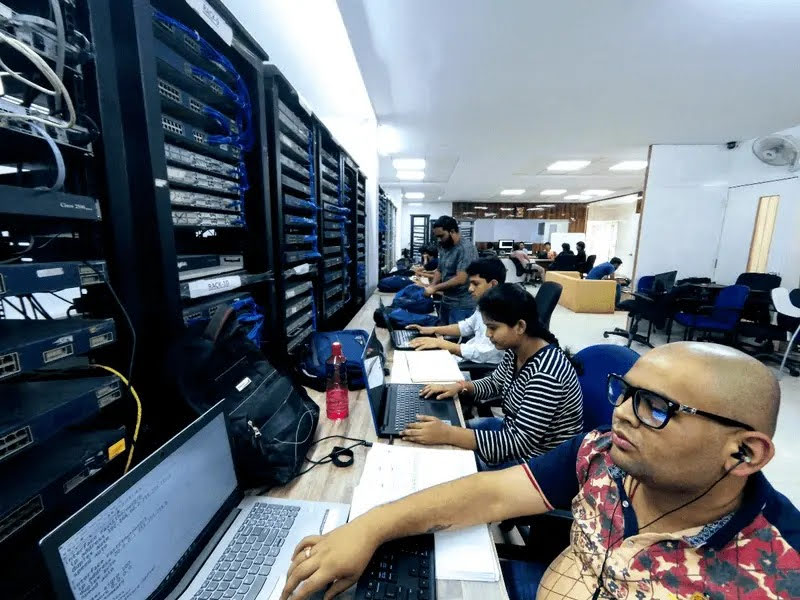
Multi-rack, multi-vendor, 24×7 access. Real Catalyst switches, ISR routers, ASA / Firepower firewalls, Palo Alto + Fortinet + Checkpoint firewall corner — the same equipment Cisco India, Aryaka, and Bagmane Tech Park engineers use in production.
Equipment list
We don't keep a "demo rack." Every device is wired into a working topology that students reconfigure during exercises. The list below is current as of 2026.
Cisco routing & switching
- • Catalyst 2960 / 3560 / 9300 series switches
- • ISR 1900 / 2900 / 4000 series routers
- • Catalyst 6500 chassis (legacy CCNP Voice)
- • Wireless LAN Controllers (WLC) + APs
- • Console + AUX cabling, real serial console workflow
- • Smart Cabling — keystone-jack patch panels (live)
Multi-vendor firewall corner
- • Palo Alto PA-Series (PCNSA / PCNSE labs)
- • Fortinet FortiGate (NSE4 / NSE7 labs)
- • Checkpoint Quantum (CCSA / CCSE labs)
- • Cisco ASA + Firepower (CCNP Security labs)
- • Juniper SRX (JNCIS-SEC track)
- • Real interoperability scenarios — multi-vendor IPsec, BGP-VPN
Cybersecurity ops
- • Splunk + ELK for SIEM exercises
- • Wireshark / tcpdump for packet capture
- • Real anonymized customer logs from our SOC division
- • MITRE ATT&CK detection-engineering scenarios
- • Sigma rule writing on production-shape data
Cloud + automation
- • AWS / Azure / GCP sandbox accounts
- • Cisco DevNet sandbox integration
- • Python + Ansible automation rigs
- • Cisco SD-WAN (vManage / vBond / vSmart) on real cEdge
- • EVE-NG for advanced topology emulation (supplement only)
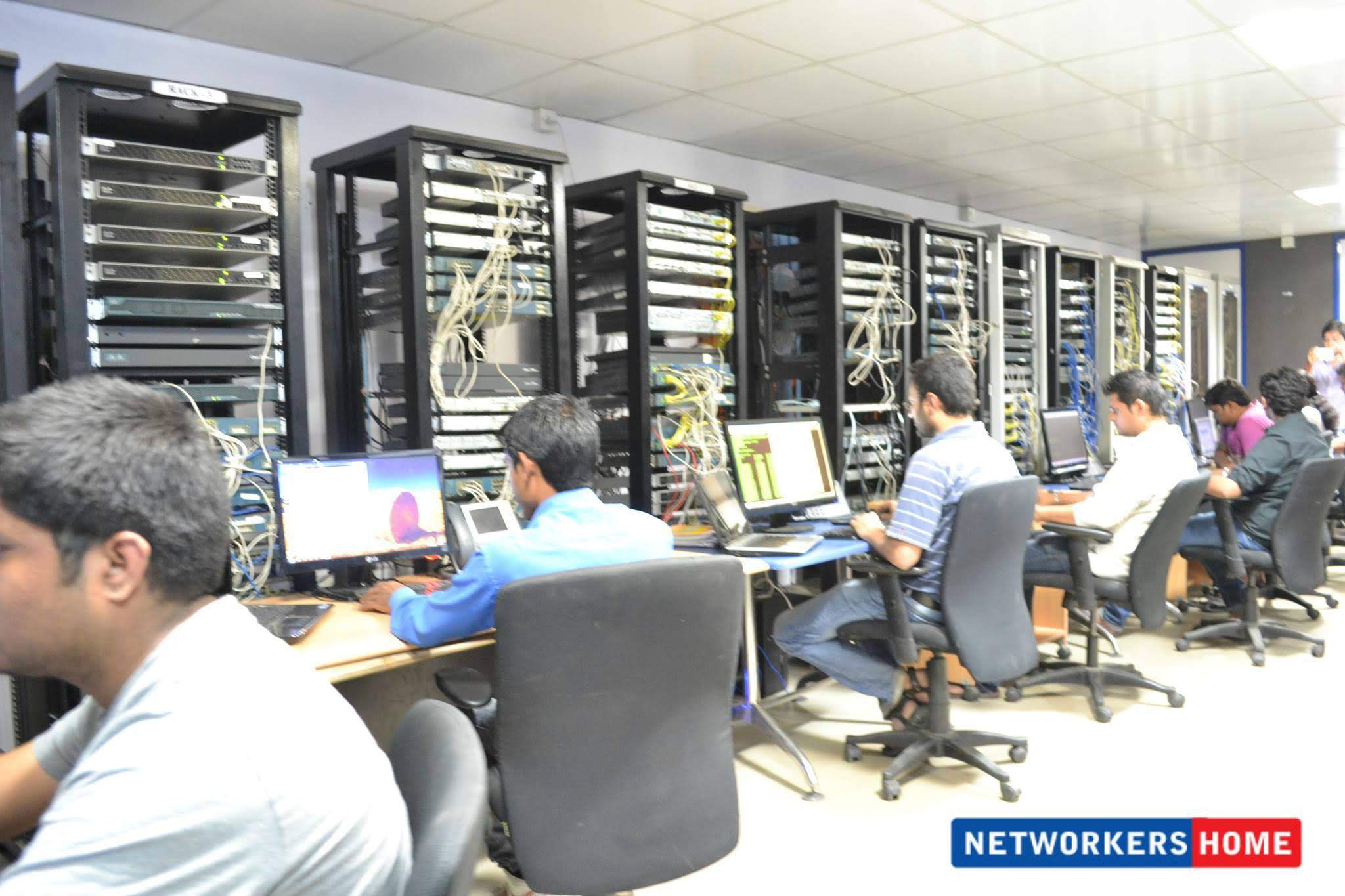
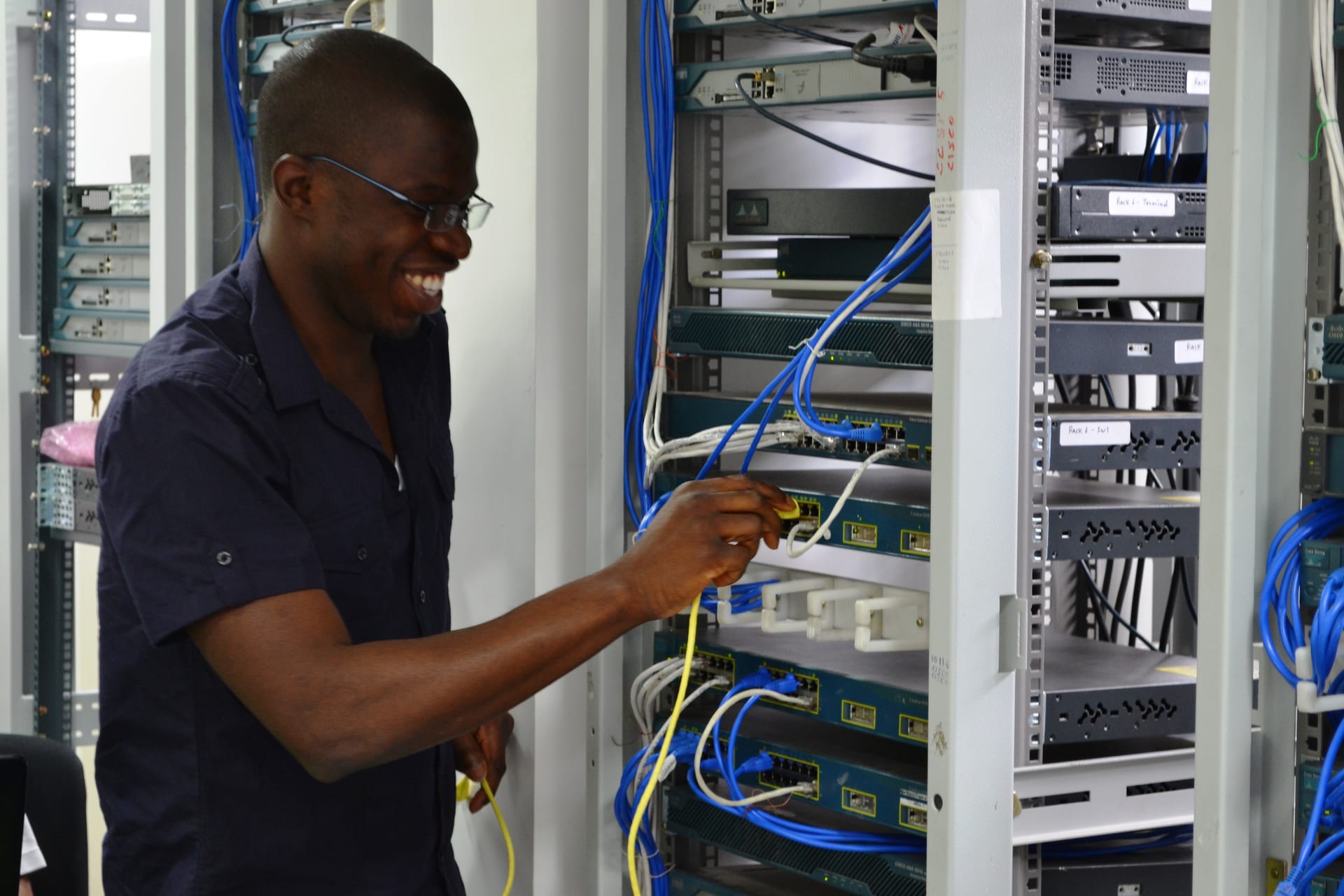
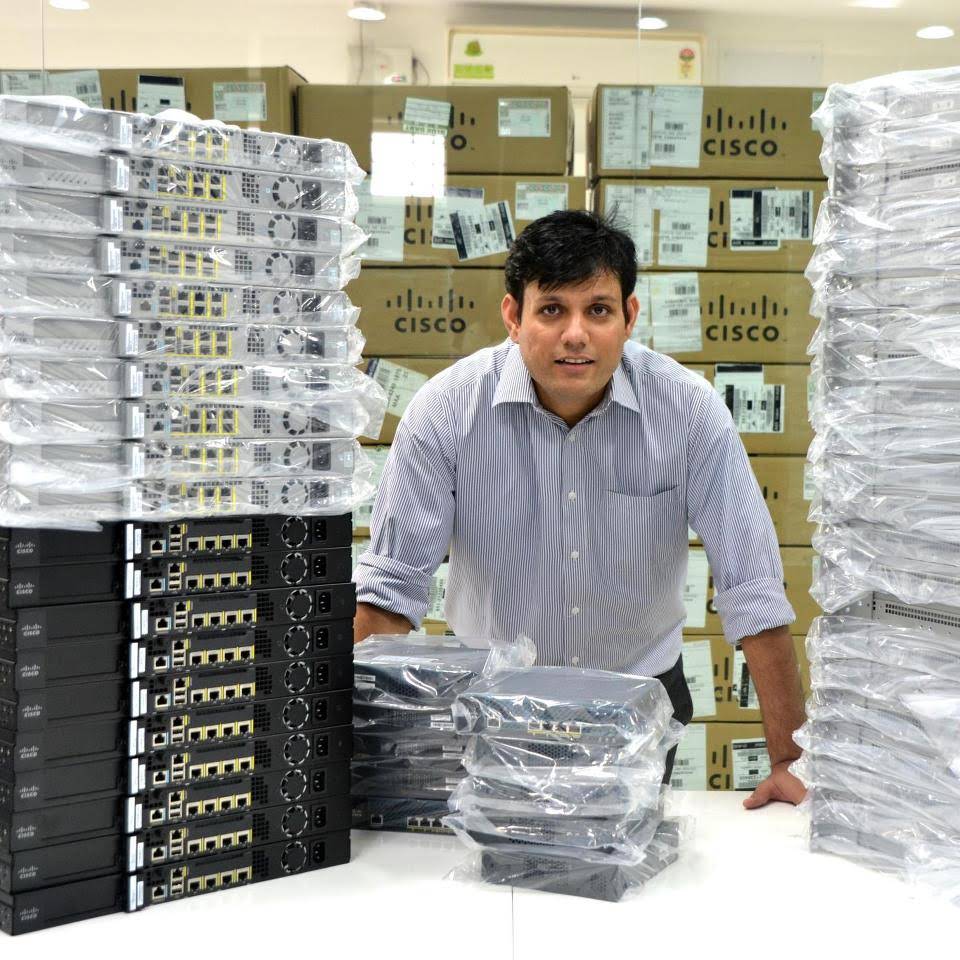
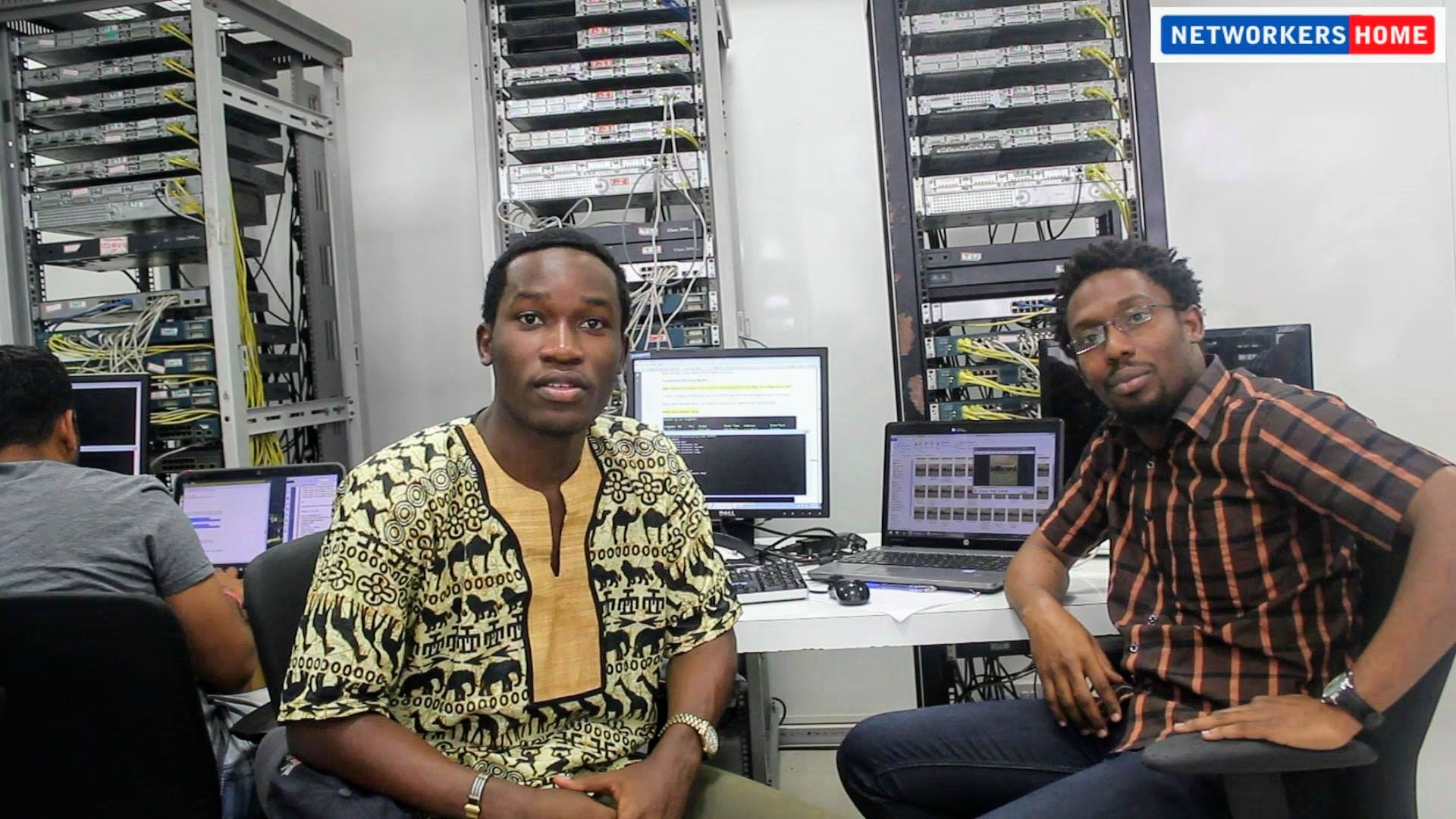
Inside the lab — live photos, no stock
FAQs about the Cisco rack lab
Is Networkers Home's Cisco lab Packet Tracer or real hardware? +
100% real hardware. We have multi-rack production-grade Cisco gear — Catalyst 2960 / 3560 / 9300 series switches, ISR 1900 / 2900 / 4000 series routers, ASA / Firepower firewalls, Cisco IP phones for CCNP Voice training. Packet Tracer / GNS3 / EVE-NG are available as supplements but never as the primary teaching tool. Your hands-on time is on real boxes.
Can I access the lab outside class hours? +
Yes — enrolled students get 24×7 lab access at the HSR Sector 6 campus. The week before a CCNA, CCNP, or PCNSE exam, students often work past midnight on the racks. We have never had a student claim they didn't get enough lab time.
Do you have multi-vendor firewall hardware (Palo Alto, Fortinet, Checkpoint)? +
Yes. Our firewall corner runs Palo Alto PA-Series, Fortinet FortiGate, Checkpoint Quantum, and Cisco ASA/FTD concurrently. Students rotate through real configurations on each vendor — not vendor-supplied training-mode VMs with feature limitations. This is unique among Bangalore networking institutes.
How big is the lab — can I see photos? +
Multi-floor facility at L-149, HSR Layout Sector 6. Several rack-rows with 6+ student workstations facing each rack, separate classroom area, dedicated firewall corner. Real photos are on this page — we never use stock images. The closest comparable lab in Bangalore is Cisco's own training facility at Cessna Business Park.
Can students from outside India train here? +
Yes — we've trained students from Nigeria, Kenya, Bangladesh, Sri Lanka, and Nepal in person at the Bangalore campus. Several alumni from these countries now work at Indian or international networking companies. We also offer the same curriculum online with synchronous live-class participation.